
Try new conversational skills with Amazon Business Assistant


What if getting the most from your Amazon Business account was as simple as asking a question? Today, Amazon Business Assistant introduces new conversational capabilities that guide you through the smart business buying features that matter most to your organization.
Amazon Business Assistant works alongside your team
Amazon Business is built with features designed to help organizations of every size save time and money on purchasing. But procurement teams managing complex requirements with limited resources don't always have time to discover, set up, and optimize every capability available to them. Through natural conversation, Amazon Business Assistant provides step-by-step guidance. Whether you're setting up a capability for the first time or fine-tuning an existing workflow, you get clear answers when you need them, not a help article to search through.
Think of it as a knowledgeable colleague who's available on demand, one who brings together the guidance you need in a single conversation instead of sending you across fragmented documentation and support pages.
Procurement that feels intuitive
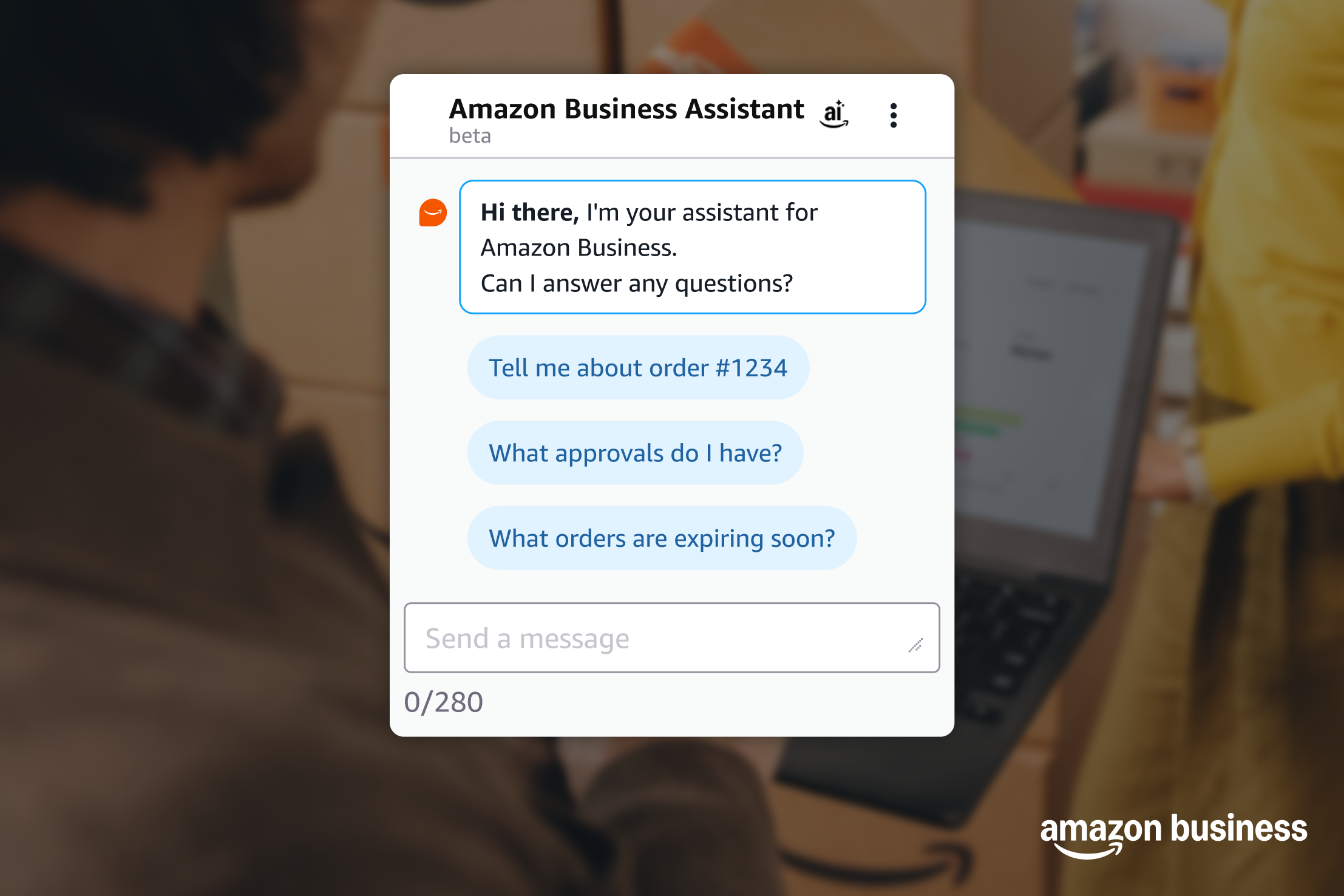
With this latest update, Amazon Business Assistant helps makes conversations feel like a natural part of your workday. Ask "Do I have any approvals needing my attention?" or "What's the status of order #1234?" and get clear, actionable responses in seconds. No menus to navigate, no keywords to memorize. Just ask what you need in your own words.
What you can do now with Amazon Business Assistant
- Tax-exempt purchasing: Ask "How can I save on taxes on my purchases?" and get walked through ATEP enrollment, eligibility requirements, and certificate uploads.
- Approval workflows and spend controls: Ask "How do I set up spend limits for my organization?" And receive clear, step-by-step guidance on configuring approval chains, category restrictions, and spending thresholds.
- Order visibility: Ask “Tell me about order #12345” “What approvals are waiting for me?” “Who is reviewing my order?” to check order status, pending approvals, and other details in seconds.
- Spend Anomaly Monitoring (Prime Business exclusive): Try “Show me top users with unusual spend” to surface unusual purchasing patterns and get guidance on next steps
- Save on bulk purchases: Ask "Tell me about Quantity Discounts” to learn how volume-based discounts work, and identify cost-savings opportunities in key categories.
- Manage your team: Ask “How do I add users to my account?” to get guidance on adding or removing users, updating permissions, configuring SSO, and delegating roles.
These are just a few examples of what you can ask. We're continuously expanding its capabilities based on how customers like you use it. Every interaction and feedback rating helps us learn what matters most and build a more helpful experience for your organization.
Need product help? Ask Alexa for Shopping
Business customers can also use Alexa for Shopping, Amazon's agentic AI shopping assistant, when browsing the Amazon Business store. Ask questions like "What are the best ergonomic office chairs under $300?" or "How do these laptops compare for video conferencing?" to get product guidance while you shop. Alexa for Shopping can help you research and compare products, while Amazon Business Assistant is focused on helping you set up and get the most from your procurement features.
Available where you need it
Amazon Business Assistant is available to Amazon Business customers in the United States on desktop. You'll find it within your Business Settings on supported pages, ready to help when you need it. Look for the chat icon in the bottom right corner to start a conversation.
Discover Amazon Business Assistant
Was this helpful?




 United States
 India
India United Kingdom
 France
 Germany
 Spain
Spain Italy
Italy Canada
 Japan
Japan Mexico
 Australia


