Enter your work email
close
Get started

Share cart

Skip the workarounds. Build, share, and approve carts in a few clicks.
shared cart
Share items across your organization
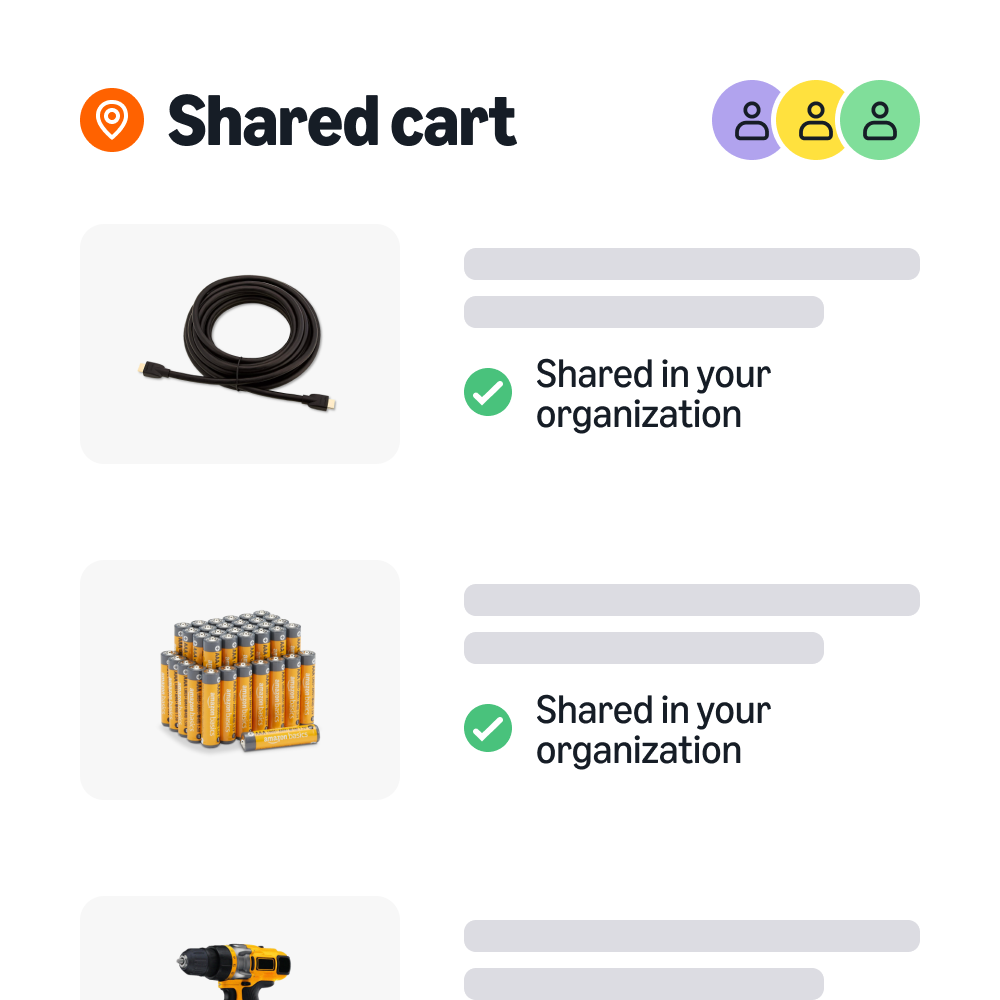
Share Cart gives your team a faster way to buy together—with full pricing visibility, embedded policy badging, and a streamlined request-to-checkout workflow. Requestors build carts, add context, and share with authorized buyers in a few clicks.
Buyers see all details upfront, while embedded purchasing controls keep your policies enforced. Consolidate orders to unlock Quantity Discounts and save on shipping costs. Share Cart is fully compatible with systems integrations.
  • Simplify team buying

    Skip the workarounds. Shoppers share what they need in a few clicks.

    Simplify team buying

    Skip the workarounds

    Share Cart makes team purchasing faster and easier. Shoppers can build a cart, add context, and share it directly with an approved buyer — organized and ready to act on in just a few clicks.

  • Buy with confidence

    Buyers see everything they need to approve and act in one place.

    Buy with confidence

    Build team trust

    Buyers see each requestor's name, items, and context alongside accurate item pricing, and can cofirm them with embedded compliance controls before they buy.

  • Unlock savings

    Consolidate orders to unlock shared savings.

    Unlock savings

    Buy together, save together

    Consolidate orders to unlock Quantity Discounts and help reduce shipping costs to stretch budgets and get more value from every purchase.

How to share your cart

1. Build a cart and add context

Add the items you need, then attach optional notes explaining the purchase reason, the deadline, or the justification. The buyer gets the full picture before acting.

2. Share with a buyer

Look up a recipient by name or email within your organization—they'll receive an automatic notification the moment the cart is shared. Or, generate a shareable link to send through preferred channels. Need to share only part of a cart? Select specific items rather than the whole thing.

3. Review and check out

When the buyer opens the shared cart, they see individual item amounts, prices, context, and the total cart value upfront. Embedded purchasing controls ensure only authorized buyers can complete checkout.

Enter your work email
close
Get started

Start buying together today

Build a cart, add your note, and click Share. Fewer steps, better visibility, and real savings for busy teams.

FAQs

  • No. Share Cart works natively within Amazon Business—no emails, spreadsheets, copied links, or new tools needed. Just add items to a cart and click Share.

  • Yes. Purchasing controls, as well as your organization's "preferred" or "restricted" labeling, are embedded in the shared cart experience, and only authorized buyers can complete checkout. Buyers see compliance status before they act.

  • Yes. Buyers can use the ship to multiple addresses option at checkout to ship shared items to multiple locations in a single order—useful for teams spread across departments or buildings.

  • Yes. Share Cart is fully supported for integrated customers. Users can both share and receive shared carts within their active Punchout session.

  • Share Cart is currently available on desktop, with plans to expand to mobile later this year.

Still not seeing what you need? Go to Help Center



