

Grids Available to Library Customers on Amazon Business
Library customers can streamline cataloging workflows with customizable 9xx MARC fields.
13 January 2026


What is Grids for Amazon Business library customers?
Grids are now available for Amazon Business library customers in the US. This feature enables libraries to pass library-specific metadata directly from Amazon Business into their Integrated Library System (ILS) through the 9xx fields of MARC records to better align with cataloging standards and workflows. Libraries with multiple branches can use Grids to store information—such as which branch a title will reside in—directly into their metadata, allowing them to seamlessly create asset records within their ILS without manual data entry.
How does it work?
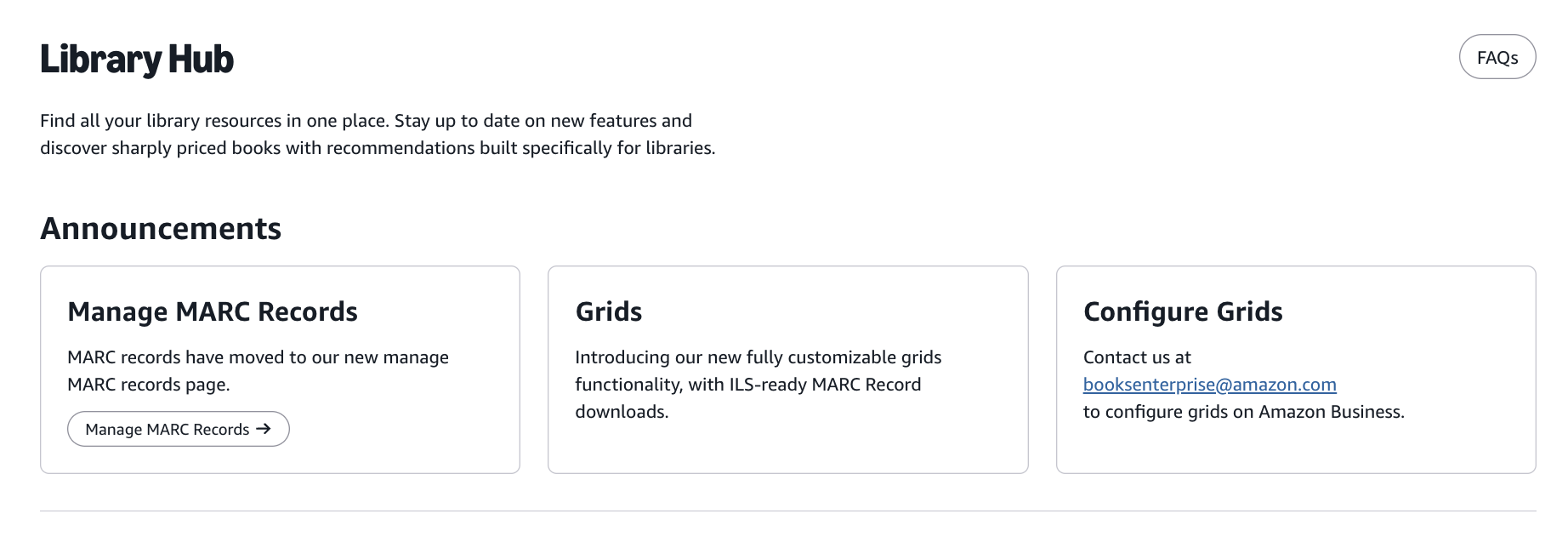
- Logged-in library customers visit the Amazon Business library page where they will see the prominently featured Grids feature and access to the Manage MARC Records page.
- Customers then navigate to the Manage MARC Records page where they can edit and download MARC records by order.
- Customers choose from pre-configured options specific to their library. Columns and drop-down options are fully customized for each library.
- Once saved, Grids will be populated in the MARC records that are downloaded, which can then be uploaded into the library's ILS.
- Contact us at booksenterprise@amazon.com to configure grids for your library.
Where is it available?
Grids are available for public libraries in the US.
Was this helpful?




 United States
 India
India United Kingdom
 France
 Germany
 Spain
Spain Italy
Italy Canada
 Japan
Japan Mexico
 Australia


