
Approvals

Automated approval workflows
-
Enforce policy
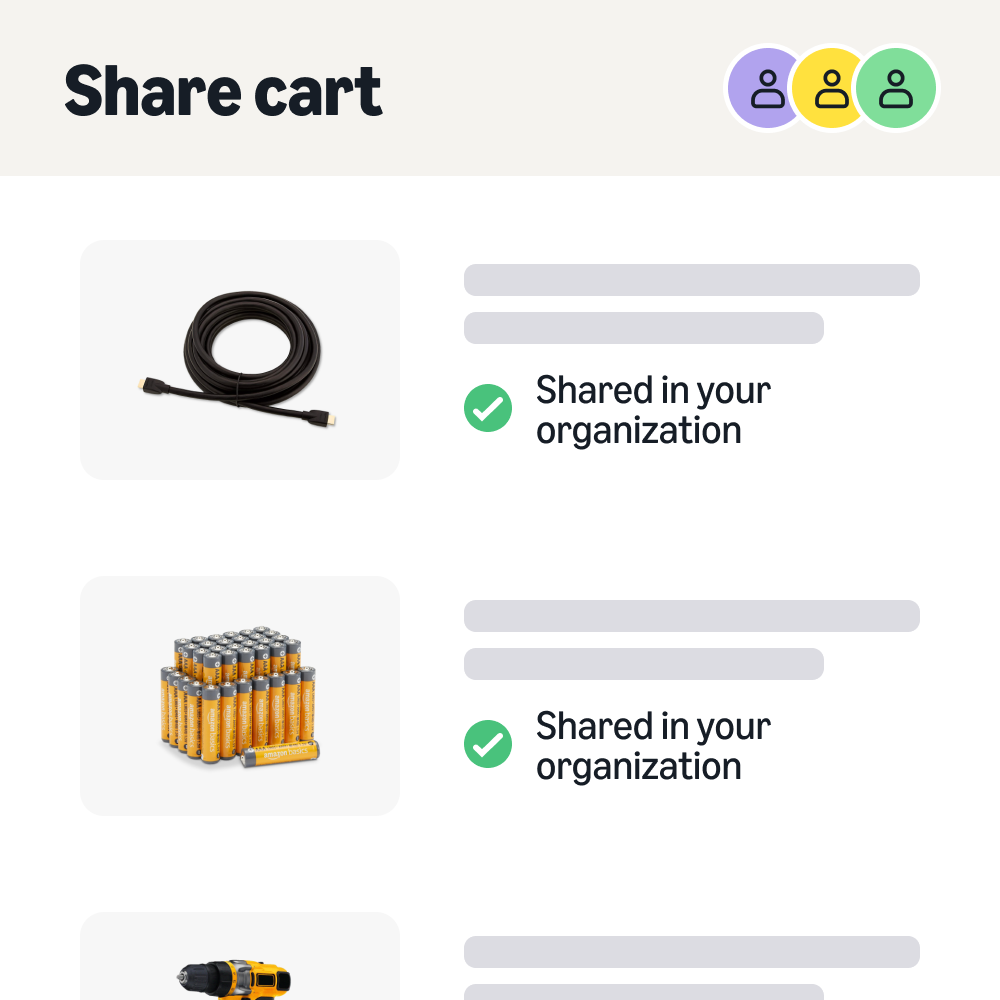
Orders that need review go to the right approver automatically.
Route by your rules
Set rules by spend threshold, department, category, or Business Order Information (BOI) fields like cost center, with up to six approval levels.
-
Keep orders moving
Orders don't wait when an approver is out or changes roles.
Backups built in
Delegation, backup approvers, and escalation pick up orders when someone is away. Prices lock for 7 days during review, or 14 for Prime Business Medium and Enterprise.
-
Focus on outliers
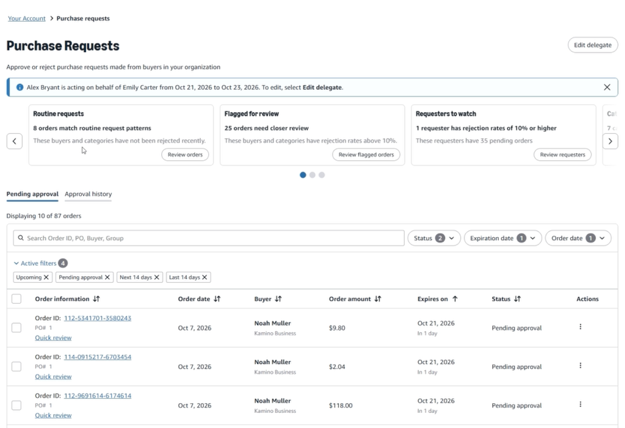
See what's routine and what needs a closer look before you decide.
Built on approval trends
Insights come from your account's own approval history, so they reflect your policies and buyers. Your data never shapes another organization's insights.
Just ask: for approvers and admins
Check order status, approve or reject orders, set a delegate, or update policies in a conversation with Amazon Business Assistant.
For approvers
Approver insights
See which orders are routine, which buyers or categories are flagged for review, and which requesters have orders piling up.

For admins
Workflow insights
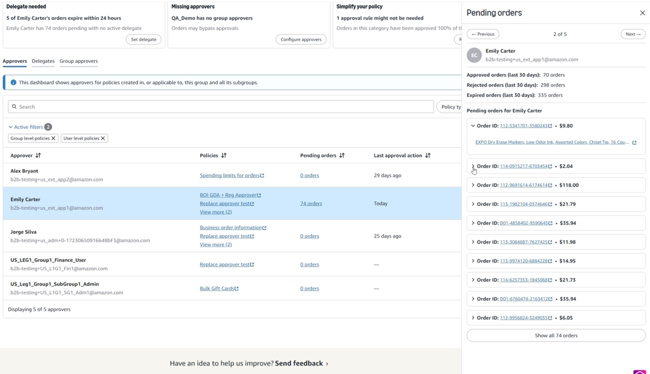
See inactive approvers, policies where orders keep expiring, and setup gaps, so you can fix them before buyers wait.
“Approvals happen digitally, so nobody has to ask over email. All of that nonvalue-added work is removed."
VP Supply Chain, Carnival
Customer stories

Nonprofit
USO
Regional directors review spending for about 300 users across global centers, reducing workload on the main office.

Education
Endeavor Schools
Reduced ordering time and gained clearer spending insights with multi-user accounts, approval workflows, and analytics.

Education
Berkeley County Schools
Replaced paper approval sheets with digital workflows across 32 schools. Order-to-delivery time fell from two weeks to two days.
Set up your procurement approval workflow
FAQs
Still not seeing what you need? Go to Help Center




 United States
 India
 United Kingdom
 France
 Germany
 Spain
 Italy
 Canada
 Japan
 Mexico
 Australia


